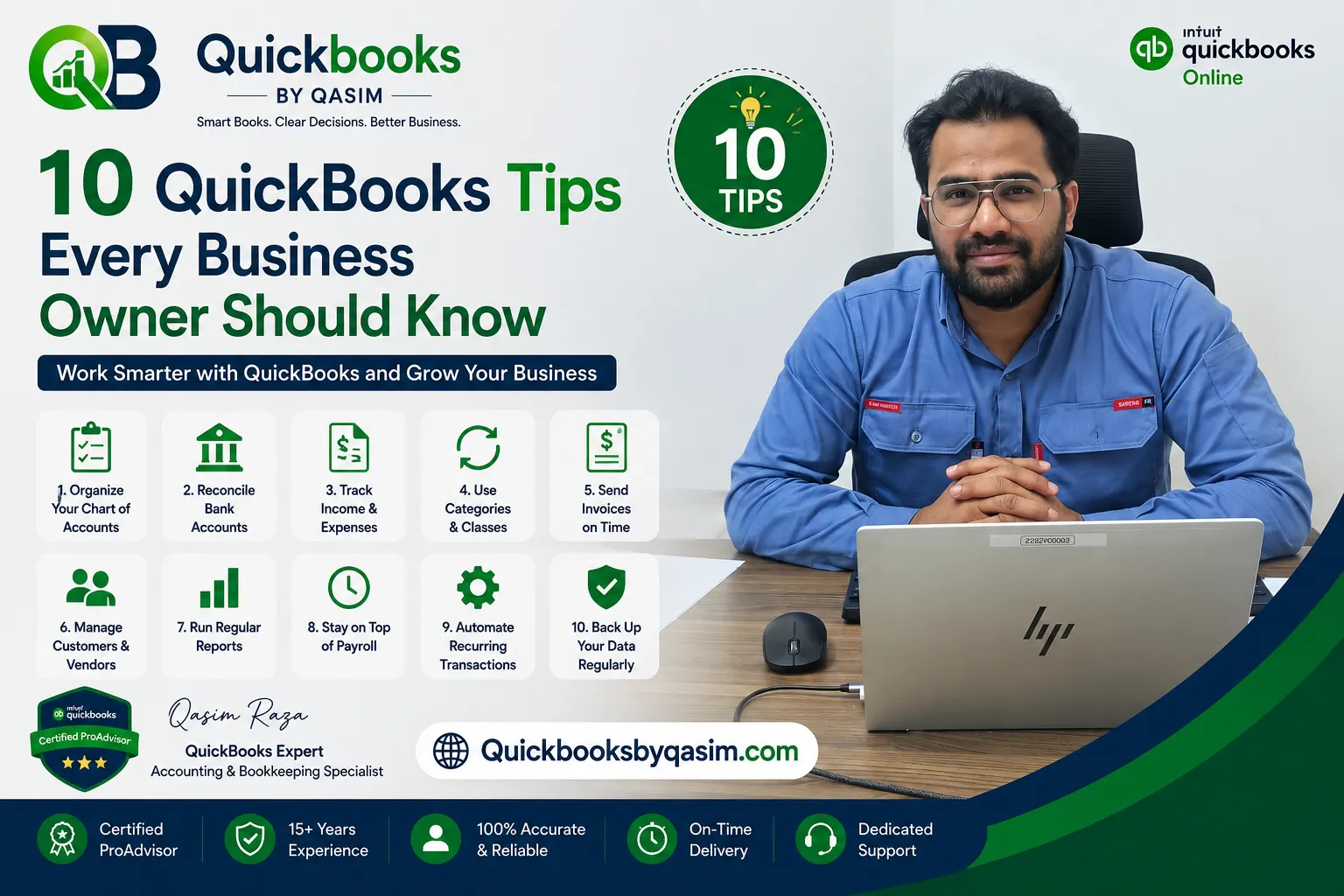
10 QuickBooks Tips Every Business Owner Should Know
By qasimquickbooks416@ July 09, 2026
10 QuickBooks Tips Every Business Owner Should Know can help you save time, reduce bookkeeping errors, and gain better control over your finances. Many business owners purchase QuickBooks expecting it to solve all accounting challenges automatically. However, poor setup and inefficient processes often lead to inaccurate reports, cash flow issues, and missed opportunities. Fortunately, a few proven QuickBooks strategies can help you maximize the software’s potential. As a QuickBooks Online Expert, I regularly help businesses optimize their accounting systems. These practical tips will improve efficiency, increase accuracy, and support smarter business decisions.
QuickBooks has become one of the most popular accounting platforms for small and growing businesses. It simplifies bookkeeping while providing valuable financial insights.
QuickBooks helps businesses:
Track income and expenses
Manage invoices
Monitor cash flow
Process payroll
Reconcile accounts
Generate financial reports
Track profitability
However, software alone cannot guarantee success. Therefore, following the right QuickBooks practices is essential.
Let’s explore the 10 QuickBooks Tips Every Business Owner Should Know to improve financial management and business growth.
Tip #1: Set Up Your Chart of Accounts Correctly
Your Chart of Accounts serves as the foundation of your bookkeeping system.
Many new users create too many accounts or use confusing account names. As a result, reports become difficult to understand.
To improve accuracy:
Use clear account names
Avoid duplicate accounts
Keep the structure simple
Group similar expenses together
A well-organized Chart of Accounts makes reporting easier and improves financial visibility.
Furthermore, accurate account structures support efficient tax preparation and budgeting.
Tip #2: Connect Bank and Credit Card Accounts
One of the most valuable QuickBooks features is bank connectivity.
Linking your bank and credit card accounts allows QuickBooks to import transactions automatically.
Benefits include:
Reduced manual entry
Faster bookkeeping
Improved accuracy
Real-time financial updates
Additionally, connected accounts simplify reconciliation and transaction review.
Many businesses save several hours each month through automated bank feeds.
Therefore, this remains one of the most important 10 QuickBooks Tips Every Business Owner Should Know.
Tip #3: Reconcile Accounts Every Month
Bank reconciliation helps verify that QuickBooks records match bank statements.
Some business owners postpone reconciliation for months. Consequently, identifying errors becomes difficult.
Monthly reconciliation offers several benefits:
Detects missing transactions
Identifies duplicate entries
Improves report accuracy
Reduces fraud risk
In addition, regular reconciliations create confidence in financial reports.
Make reconciliation a standard month-end procedure for maximum accuracy.
Tip #4: Use Rules to Automate Transaction Categorization
QuickBooks allows users to create bank rules that automate transaction classification.
For example:
Utility bills can post automatically to utilities expense.
Fuel purchases can post automatically to vehicle expenses.
Subscription payments can post automatically to software expenses.
Automation reduces repetitive work while maintaining consistency.
As transaction volume grows, these rules become even more valuable.
Therefore, automation remains one of the most effective 10 QuickBooks Tips Every Business Owner Should Know.
Tip #5: Customize Your Invoices
Professional invoices improve customer experience and strengthen your brand image.
QuickBooks allows businesses to customize:
Company logo
Colors
Payment terms
Contact information
Invoice messages
Customized invoices appear more professional and encourage faster payments.
Additionally, clear payment instructions help reduce collection delays.
Small improvements in invoice design can significantly improve cash flow performance.
Tip #6: Review Financial Reports Regularly
Many business owners generate reports but rarely review them carefully.
Financial reports provide valuable insights into business performance.
Focus on reviewing:
Profit and Loss Report
This report shows revenue, expenses, and profit.
Balance Sheet
This report displays assets, liabilities, and equity.
Cash Flow Statement
This report shows money entering and leaving the business.
By reviewing reports monthly, business owners can identify trends and make informed decisions.
Therefore, financial reporting is one of the most essential 10 QuickBooks Tips Every Business Owner Should Know.
Tip #7: Track Accounts Receivable Closely
Unpaid invoices can create serious cash flow problems.
QuickBooks includes tools that help monitor customer balances and outstanding invoices.
Best practices include:
Sending invoices promptly
Following up on overdue payments
Reviewing aging reports weekly
Offering multiple payment methods
Additionally, automated invoice reminders can encourage faster customer payments.
Strong accounts receivable management improves liquidity and business stability.
Tip #8: Back Up Your Financial Data Regularly
Data protection is critical for every business.
Although QuickBooks Online stores data securely in the cloud, businesses should still maintain backup procedures and export critical reports regularly.
For QuickBooks Desktop users, backups are even more important.
Benefits include:
Protection from system failures
Recovery from accidental deletion
Improved business continuity
Greater peace of mind
Regular backups ensure that financial data remains accessible when needed.
Tip #9: Track Business Expenses Consistently
Expense tracking helps control spending and improve profitability.
Many businesses lose valuable deductions because expenses remain uncategorized.
To improve expense management:
Record expenses promptly
Save receipts digitally
Use expense categories consistently
Review transactions weekly
Additionally, accurate expense tracking improves tax preparation and budgeting.
This practice remains one of the most valuable 10 QuickBooks Tips Every Business Owner Should Know.
Tip #10: Work With a QuickBooks Expert When Needed
QuickBooks simplifies bookkeeping, but it does not replace professional expertise.
As businesses grow, accounting requirements often become more complex.
Consider consulting a QuickBooks expert for:
Account cleanup
System setup
Data migration
Payroll configuration
Inventory management
Financial reporting
Tax preparation support
Professional guidance can help prevent costly mistakes and improve efficiency.
Furthermore, expert assistance often saves more money than it costs.
Common QuickBooks Mistakes to Avoid
Even experienced users can make bookkeeping mistakes.
Common issues include:
Skipping reconciliations
Using incorrect accounts
Ignoring duplicate transactions
Failing to review reports
Mixing personal and business expenses
Misclassifying transactions
Avoiding these errors improves reporting accuracy and reduces financial risk.
Regular bookkeeping reviews help identify problems before they become serious.
How These Tips Improve Cash Flow
Cash flow remains one of the most important indicators of business health.
Implementing the 10 QuickBooks Tips Every Business Owner Should Know can improve cash flow by:
Accelerating invoicing
Reducing errors
Improving collections
Tracking expenses accurately
Monitoring profitability
Identifying financial trends
As a result, businesses gain greater control over their finances and reduce uncertainty.
Benefits of Following These QuickBooks Tips
Businesses that apply these best practices often experience:
Better bookkeeping accuracy
Stronger financial controls
Faster reporting
Improved tax preparation
Enhanced decision-making
Better cash flow visibility
Increased profitability
Moreover, a well-maintained QuickBooks system creates confidence when seeking loans, investors, or expansion opportunities.
When Should You Review Your QuickBooks System?
Regular reviews help ensure that QuickBooks continues supporting business goals.
Consider reviewing your system:
Monthly
Quarterly
Before tax season
During business growth
After major operational changes
Regular reviews help maintain accuracy while identifying opportunities for improvement.
Consequently, financial management becomes more proactive rather than reactive.
Conclusion
The 10 QuickBooks Tips Every Business Owner Should Know can significantly improve bookkeeping efficiency, reporting accuracy, and financial decision-making. From setting up a proper Chart of Accounts to automating transactions, reconciling accounts, reviewing reports, and tracking expenses consistently, these strategies help businesses maximize the value of QuickBooks. Furthermore, partnering with a QuickBooks expert when needed can prevent costly mistakes and support long-term growth. By implementing these proven tips, business owners can maintain accurate financial records, improve cash flow management, and build a stronger foundation for business success.
Frequently Asked Questions
Do I need QuickBooks Online or QuickBooks Desktop? QuickBooks Online is generally the better fit for most small businesses today it’s cloud-based, supports real-time bank feeds, and allows multiple users to access the file remotely. QuickBooks Desktop still suits some industries with specific inventory or job-costing needs.
How often should I update my books in QuickBooks? Ideally, transactions should be reviewed weekly and fully reconciled monthly. Waiting longer makes errors harder to catch and fix.
Can QuickBooks handle payroll and taxes on its own? QuickBooks Payroll can calculate wages, withhold taxes, and file payroll tax forms automatically, but it still requires correct setup and oversight to stay complian especially across multiple states.



 By qasimquickbooks416@
July 09, 2026
By qasimquickbooks416@
July 09, 2026
 By qasimquickbooks416@
July 09, 2026
By qasimquickbooks416@
July 09, 2026
