
Learn how difficult is it to learn QuickBooks, what challenges beginners face, and how to master it
Qasim Raza | QuickBooks Expert


Accounting & Bookkeeping
QuickBooks
 By qasimquickbooks416@
August 13, 2026
By qasimquickbooks416@
August 13, 2026
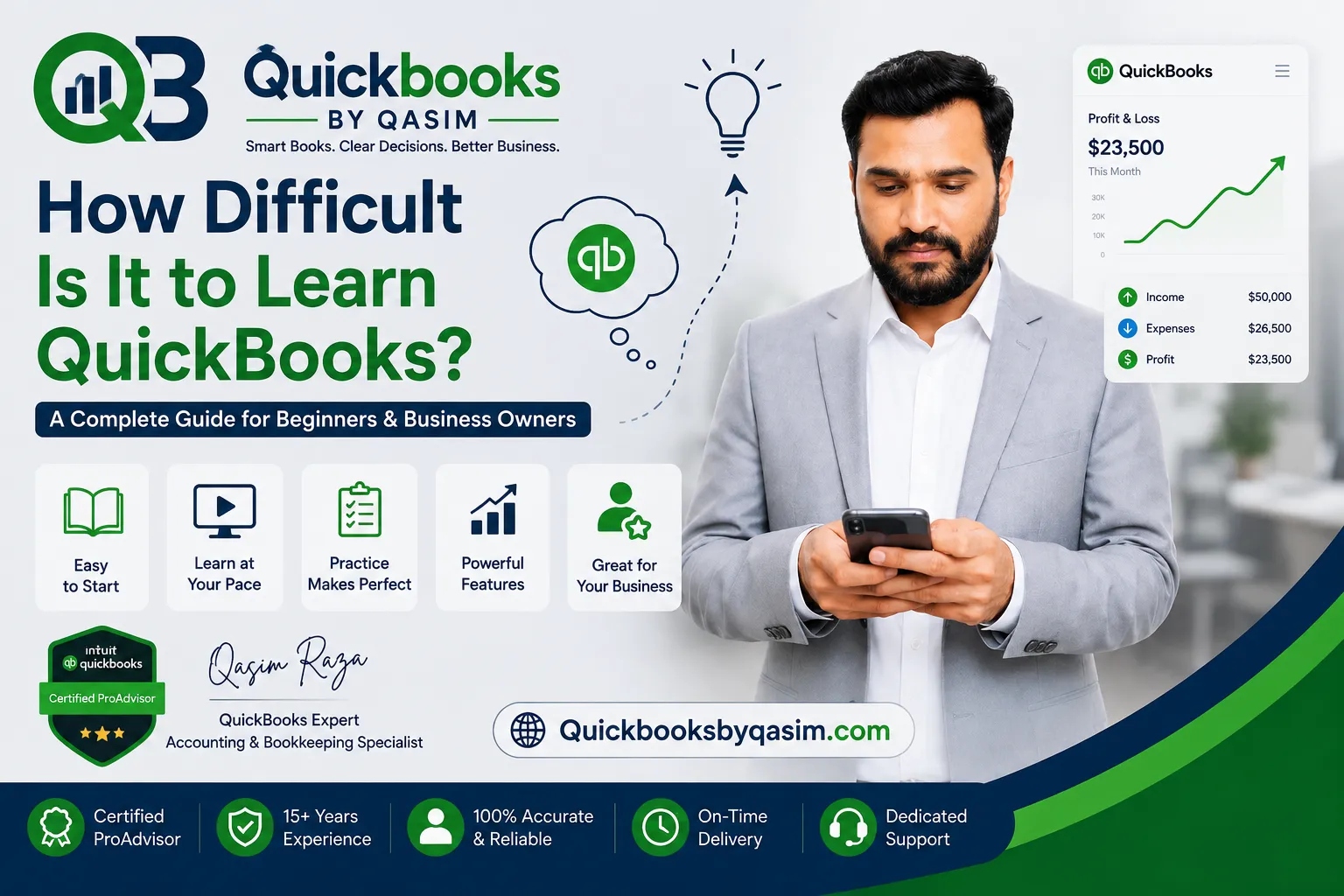
How Difficult Is It to Learn QuickBooks?
 By qasimquickbooks416@
August 13, 2026
By qasimquickbooks416@
August 13, 2026
How difficult is it to learn quickbooks is a question many business owners, freelancers, students, and aspiring bookkeepers ask before using the software. If accounting seems confusing, you may worry that QuickBooks will be difficult too. Many beginners fear they will make mistakes, lose track of finances, or struggle with bookkeeping terms. Fortunately, QuickBooks was designed to simplify accounting tasks and help users manage finances efficiently.
The difficulty level depends on your accounting knowledge, business needs, and learning approach. However, most users find QuickBooks much easier than traditional bookkeeping methods. With regular practice and proper guidance, beginners can quickly learn the basics and gain confidence.
As a QuickBooks Online Expert, I often work with new users who have little or no accounting experience. Most become comfortable with daily tasks much sooner than expected. Therefore, learning QuickBooks is usually less difficult than many people assume.
Is QuickBooks Difficult for Beginners?
When discussing how difficult is it to learn quickbooks, beginners often expect a steep learning curve. In reality, QuickBooks provides a user-friendly interface and organized workflows.
Most new users can learn basic tasks within a few days. These tasks include:
- Creating invoices
- Recording expenses
- Adding customers
- Entering bills
- Tracking payments
- Running reports
The software guides users through these activities step by step. As a result, even people without accounting backgrounds can start using QuickBooks successfully.
Although some accounting terminology may seem unfamiliar at first, users normally gain confidence through regular practice.
What Makes QuickBooks Easy to Learn?
Several features make QuickBooks easier to learn than many accounting systems.
First, the dashboard presents information clearly. Users can quickly locate customers, vendors, reports, and banking tools.
Second, QuickBooks automates many accounting processes. For example, bank feeds automatically import transactions. This feature reduces manual data entry.
Third, the software provides built-in prompts and guidance. Therefore, beginners often learn while working on actual business tasks.
When evaluating how difficult is it to learn quickbooks, these user-friendly features help reduce the learning curve significantly.
Additionally, many tutorials, training courses, and support resources are available online. Users can easily find answers when questions arise.
Factors That Affect Learning Difficulty
The answer to how difficult is it to learn quickbooks varies from person to person.
Several factors influence the learning experience:
Accounting Knowledge
People with bookkeeping or accounting experience typically learn QuickBooks faster. They already understand concepts such as income, expenses, accounts payable, and bank reconciliations.
However, beginners can still learn effectively because QuickBooks simplifies many accounting processes.
Business Complexity
Simple businesses usually require fewer QuickBooks features. Freelancers and consultants often learn basic tasks quickly.
Larger companies may need to manage inventory, payroll, projects, and multiple accounts. Consequently, these users may require additional training.
Practice Frequency
Regular practice accelerates learning. Users who work in QuickBooks daily improve much faster than those who use it occasionally.
Consistent use helps build familiarity with menus, reports, and workflows.
QuickBooks Online vs QuickBooks Desktop
Many people comparing QuickBooks products ask how difficult is it to learn quickbooks in both Online and Desktop versions.
QuickBooks Online generally offers an easier learning experience. It features a modern interface and simplified navigation. Additionally, users can access it from any device with internet access.
QuickBooks Desktop provides powerful capabilities and extensive customization. However, it contains more menus and advanced functions. Therefore, beginners may require more time to become comfortable with the software.
Both versions remain manageable for new users. However, QuickBooks Online often serves as the easier starting point.
Common Challenges New Users Face
Although QuickBooks is user-friendly, beginners may encounter several challenges.
Understanding Accounting Terms
Many users struggle with terms such as:
- Chart of Accounts
- Accounts Receivable
- Accounts Payable
- Reconciliation
- Journal Entries
These concepts often seem confusing initially. However, they become easier as users gain experience.
Categorizing Transactions
Choosing the correct expense category can be difficult for beginners. Proper categorization is important because it affects financial reports.
Fortunately, users improve quickly with practice and review.
Bank Reconciliation
Bank reconciliation is another common challenge. This process compares QuickBooks records with bank statements.
Although it appears complicated initially, most users learn it successfully after several attempts.
These challenges explain why some people ask how difficult is it to learn quickbooks, yet they are usually temporary obstacles.
How Long Does It Take to Learn QuickBooks?
The learning timeline depends on your goals.
Most beginners can learn basic QuickBooks functions within one to two weeks. During this period, they generally understand invoicing, expense tracking, customer management, and reporting.
Within one month, many users become comfortable with:
- Bank reconciliations
- Vendor management
- Financial reporting
- Accounts receivable tracking
- Accounts payable tracking
Advanced topics such as payroll, inventory management, and project accounting may require several additional months.
Therefore, while mastering QuickBooks takes time, basic proficiency develops relatively quickly.
Tips to Learn QuickBooks Faster
If you are concerned about how difficult is it to learn quickbooks, these strategies can accelerate learning.
Practice Daily
Daily use builds confidence. Even short practice sessions provide significant improvement.
Learn Core Features First
Start with:
- Customers
- Invoices
- Expenses
- Banking
- Reports
Once you master these areas, explore advanced functions.
Use Sample Data
Practice with a sample company before working with real financial records. This approach reduces stress and allows experimentation.
Review Reports Often
Financial reports connect transactions to business performance. Reviewing reports helps users understand how QuickBooks works behind the scenes.
Focus on Real Business Tasks
Learning through actual business activities often produces faster results than studying theory alone.
Who May Find QuickBooks More Difficult?
Some individuals may face a steeper learning curve.
People with no accounting exposure sometimes need extra time to understand bookkeeping concepts. Likewise, users managing complex businesses may need additional training.
Companies using:
- Inventory tracking
- Payroll processing
- Job costing
- Advanced reporting
- Multi-location operations
often require deeper QuickBooks knowledge.
However, these advanced features become easier as experience grows. Therefore, difficulty should not discourage new users.
Benefits of Learning QuickBooks
Learning QuickBooks delivers several valuable benefits.
First, it improves financial visibility. Users can monitor income, expenses, and cash flow easily.
Second, it increases efficiency. Automation reduces manual accounting work.
Third, it supports better business decisions. Accurate reports provide useful financial insights.
Fourth, QuickBooks skills increase career opportunities. Many employers seek professionals with QuickBooks experience.
Therefore, the effort required to learn QuickBooks often produces long-term rewards.
Is QuickBooks Worth Learning?
Absolutely. QuickBooks remains one of the most popular accounting platforms for small and medium-sized businesses.
The software helps users:
- Manage finances
- Track expenses
- Create invoices
- Monitor profitability
- Generate reports
- Prepare for tax filing
Because businesses widely use QuickBooks, learning it can benefit both business owners and accounting professionals.
Even if the software feels challenging initially, most users overcome the learning curve quickly.
Conclusion
how difficult is it to learn quickbooks depends on your accounting background, business complexity, and learning habits. For most users, QuickBooks is not difficult to learn. Its intuitive design, automation features, and organized workflows make accounting more accessible.
Beginners can typically learn core functions within a few weeks. While advanced features require additional time, consistent practice makes the learning process much easier. By focusing on essential tasks, practicing regularly, and reviewing reports, users can gain confidence quickly.
Ultimately, QuickBooks offers one of the easiest paths to managing business finances effectively, making it a valuable skill for business owners, bookkeepers, freelancers, and accounting professionals alike.