
QuickBooks Cleanup Training: The Complete Guide for Business Owners. Learn how to fix bookkeeping errors, reconcile accounts, and
Qasim Raza | QuickBooks Expert


Accounting & Bookkeeping
QuickBooks
 By qasimquickbooks416@
July 20, 2026
By qasimquickbooks416@
July 20, 2026
QuickBooks Cleanup Training
 By qasimquickbooks416@
July 20, 2026
By qasimquickbooks416@
July 20, 2026
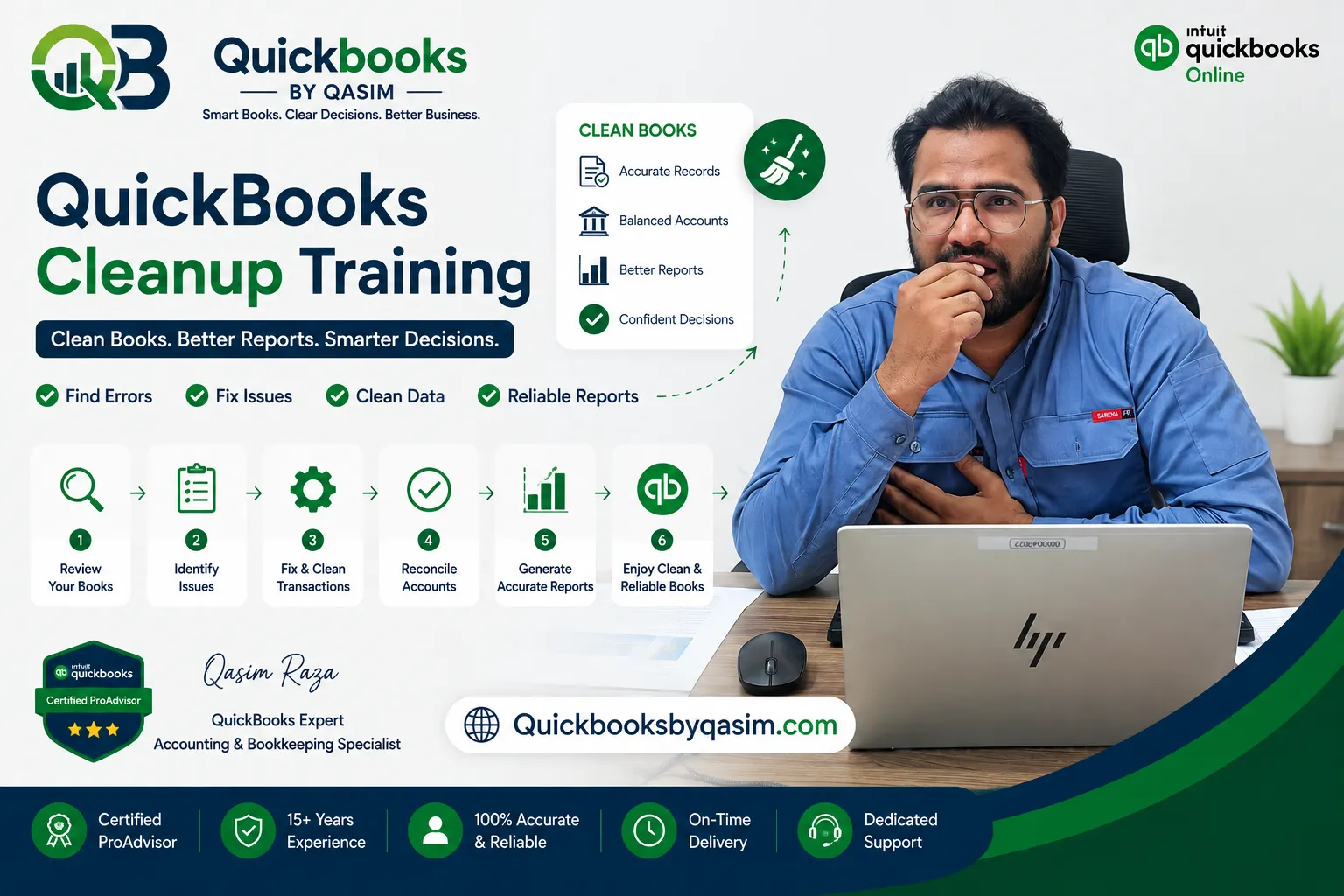
If you’re wondering what is a QuickBooks cleanup Training, it is the process of reviewing, correcting, and organizing inaccurate or outdated financial records in QuickBooks so your books accurately reflect your business’s financial position. A proper cleanup fixes duplicate transactions, uncategorized expenses, reconciliation errors, incorrect balances, and reporting issues, ensuring your accounting data is reliable for tax filing, financial reporting, and business decisions.
QuickBooks Cleanup Training
Accurate financial records are the foundation of every successful business. Whether you’re a small business owner, freelancer, eCommerce seller, contractor, or growing company, your QuickBooks file can become disorganized over time. Duplicate transactions, incorrect account mappings, unreconciled bank accounts, and outdated chart of accounts can all lead to inaccurate financial reports.
This quickbooks cleanup training guide explains everything business owners need to know about identifying bookkeeping issues, cleaning up QuickBooks correctly, and deciding whether to handle the process yourself or hire a certified professional.
As a Certified QuickBooks ProAdvisor with more than 15 years of experience helping businesses across the United States, United Kingdom, and Canada, I’ve seen nearly every bookkeeping mistake imaginable and more importantly, how to fix them without disrupting daily operations.
What Is a QuickBooks Cleanup?
A QuickBooks cleanup is the systematic process of reviewing your accounting records and correcting bookkeeping errors to ensure your financial statements are accurate.
The cleanup process typically includes:
- Removing duplicate transactions
- Categorizing uncategorized income and expenses
- Correcting bank reconciliation discrepancies
- Fixing customer and vendor balances
- Cleaning up Accounts Receivable and Accounts Payable
- Reviewing payroll entries
- Correcting sales tax postings
- Organizing the Chart of Accounts
- Adjusting opening balances where appropriate
- Verifying Profit & Loss and Balance Sheet accuracy
The goal is not simply making the books “look clean.” It is ensuring your accounting records accurately represent your business and comply with accounting best practices.
Why Is QuickBooks Cleanup Important?
Poor bookkeeping can create problems throughout your business.
Common consequences include:
- Incorrect tax filings
- Overpaid or underpaid taxes
- Cash flow confusion
- Poor financial decisions
- Loan application difficulties
- Audit risks
- Inaccurate business valuation
- Time wasted searching for errors
Clean books provide confidence. Business owners can trust their reports, accountants can prepare taxes more efficiently, and lenders or investors receive accurate financial information.
Signs You Need a QuickBooks Cleanup
Many business owners don’t realize their books need attention until tax season.
Here are the most common warning signs.
Bank Accounts Won’t Reconcile
If reconciliation differences continue month after month, there’s likely an underlying issue that requires investigation.
Duplicate Transactions
Duplicate downloaded bank feeds often inflate expenses or income, making financial reports inaccurate.
Uncategorized Expenses
Large numbers of transactions sitting in “Uncategorized Expense” or “Ask My Accountant” accounts indicate incomplete bookkeeping.
Negative Account Balances
Unexpected negative balances in accounts that shouldn’t be negative often signal posting errors.
Your Accountant Keeps Making Adjustments
If your CPA regularly spends hours correcting your books every year, your QuickBooks file likely needs a complete cleanup.
Reports Don’t Match Reality
When your Profit & Loss or Balance Sheet doesn’t reflect what’s actually happening in your business, it’s time for a detailed review.
What Does a Complete QuickBooks Cleanup Include?
Professional cleanup generally follows a structured workflow.
1. Initial Diagnostic Review
A bookkeeping specialist reviews:
- Company settings
- Fiscal year
- Accounting method
- User permissions
- Opening balances
- Current financial reports
2. Bank Reconciliation
Each bank and credit card account is reconciled against official statements.
Errors are identified and corrected before moving forward.
3. Chart of Accounts Cleanup
Unused accounts are merged where appropriate.
Duplicate accounts are eliminated.
Account names are standardized.
4. Income Review
Revenue transactions are checked for:
- Duplicate deposits
- Missing sales
- Incorrect customer payments
- Incorrect income categorization
5. Expense Review
Expenses are reviewed to ensure proper categorization, helping maximize tax deductions while maintaining accurate reporting.
6. Accounts Receivable Cleanup
Outstanding invoices are reviewed to identify:
- Duplicate invoices
- Incorrect payments
- Old balances
- Credit memo issues
7. Accounts Payable Cleanup
Vendor balances are verified to eliminate duplicate bills and unpaid transactions that no longer exist.
8. Payroll Verification
Payroll journals are reviewed to ensure wage expenses, liabilities, and tax payments are correctly recorded.
9. Financial Statement Review
Finally, the Profit & Loss, Balance Sheet, Cash Flow Statement, and supporting reports are validated for accuracy.
How Long Does a QuickBooks Cleanup Take?
The timeline depends on the complexity of your books.
Typical estimates include:
| Business Type | Estimated Time |
|---|---|
| Freelancer | 2–4 hours |
| Small Business | 6–12 hours |
| Growing Company | 15–30 hours |
| Multi-Year Cleanup | Several days to multiple weeks |
Factors affecting cleanup time include:
- Number of bank accounts
- Transaction volume
- Payroll complexity
- Sales tax setup
- Years needing correction
- Inventory tracking
- Third-party integrations
Businesses that haven’t reconciled their books for several years generally require significantly more time.
DIY vs Professional QuickBooks Cleanup
Many business owners wonder whether they should clean up QuickBooks themselves.
DIY Cleanup
Advantages:
- Lower upfront cost
- Better understanding of your books
- Learn valuable accounting skills
Disadvantages:
- Higher risk of mistakes
- Time-consuming
- May create additional errors
- Difficult to identify hidden issues
DIY works best for businesses with simple bookkeeping and basic accounting knowledge.
Professional Cleanup
Advantages:
- Faster completion
- Accurate financial statements
- Reduced tax risks
- Expert identification of hidden problems
- Improved reporting
- Peace of mind
Disadvantages:
- Professional service fees
- Requires sharing financial records securely
For businesses with payroll, inventory, multiple bank accounts, or years of bookkeeping issues, professional assistance is often the most cost-effective option.
Common Mistakes During QuickBooks Cleanup
Avoid these frequent errors:
- Deleting reconciled transactions
- Editing closed accounting periods
- Changing opening balances incorrectly
- Merging accounts without reviewing history
- Ignoring duplicate bank feed entries
- Posting adjustments without documentation
- Misclassifying owner contributions and distributions
- Skipping reconciliation before making corrections
A structured process helps preserve historical accuracy while correcting current records.
What You’ll Learn in QuickBooks Cleanup Training
Quality quickbooks cleanup training teaches more than clicking buttons inside the software.
A comprehensive training program should include:
- QuickBooks file diagnostics
- Bank reconciliation procedures
- Error identification techniques
- Financial statement analysis
- Journal entry basics
- Chart of Accounts optimization
- Accounts Receivable management
- Accounts Payable corrections
- Payroll review fundamentals
- Best practices for preventing future errors
Learning these skills helps business owners maintain cleaner books throughout the year instead of waiting until tax season.
Best Practices After Completing a Cleanup
Once your books are accurate, consistency is key.
Maintain clean records by:
- Reconciling bank accounts every month
- Reviewing financial reports regularly
- Categorizing transactions weekly
- Backing up company files
- Restricting unnecessary user permissions
- Documenting accounting procedures
- Reviewing vendor and customer balances quarterly
- Working with a Certified QuickBooks ProAdvisor when complex issues arise
Preventative maintenance is always easier than another major cleanup.
Who Benefits Most from QuickBooks Cleanup?
Businesses of every size can benefit, especially:
- Small businesses
- Startups
- Online stores
- Professional service firms
- Contractors
- Medical practices
- Real estate businesses
- Law firms
- Consultants
- Nonprofit organizations
Whether you’re using QuickBooks Online or QuickBooks Desktop, accurate bookkeeping improves decision-making and reduces financial stress.
Final Thoughts
A well-organized QuickBooks file isn’t just about accounting—it supports better business decisions, smoother tax preparation, and stronger financial confidence. Whether you’re correcting a few months of bookkeeping or several years of transactions, investing time in proper quickbooks cleanup training helps you understand the process and avoid repeating costly mistakes.
If your books have become difficult to manage, or you’re unsure where to begin, professional guidance can save significant time while ensuring your financial records remain accurate and compliant.
Frequently Asked Questions (FAQ)
What is a QuickBooks cleanup?
A QuickBooks cleanup is the process of reviewing and correcting accounting records by fixing duplicate transactions, reconciliation errors, incorrect account balances, and categorization mistakes so financial reports accurately reflect your business.
How much does QuickBooks cleanup cost?
Pricing varies depending on the size of the business, transaction volume, and the number of months or years requiring corrections. Simple cleanups may take only a few hours, while complex multi-year projects require more extensive work.
Can I do a QuickBooks cleanup myself?
Yes, if your bookkeeping is relatively simple and you understand accounting fundamentals. However, businesses with payroll, inventory, sales tax complexities, or significant reconciliation issues often benefit from professional assistance.
How often should QuickBooks be cleaned up?
Ideally, bookkeeping should be reviewed monthly with reconciliations completed every month. A full cleanup is recommended whenever significant errors accumulate, after changing bookkeepers, or before year-end tax preparation.
Free QuickBooks Cleanup Consultation
If your QuickBooks records are inaccurate, behind schedule, or difficult to reconcile, we’re here to help. As Certified QuickBooks ProAdvisors with over 15 years of experience supporting businesses across the US, UK, and Canada, we provide comprehensive cleanup services tailored to your needs.
Book a free consultation today to discuss your QuickBooks file, identify problem areas, and receive expert recommendations for restoring accurate, reliable financial records.
For a complete overview of QuickBooks Online, read our QuickBooks Online Complete Guide 2026
1 Comment